Please ensure that both EchoRewards and WooCommerce are activated on your website.
Once you’ve activated the plugin, navigate to WordPress Dashboard > EchoRewards > Email Settings. Here you can customize the settings for the rewards notification email that is sent to both the referrer and the referee.
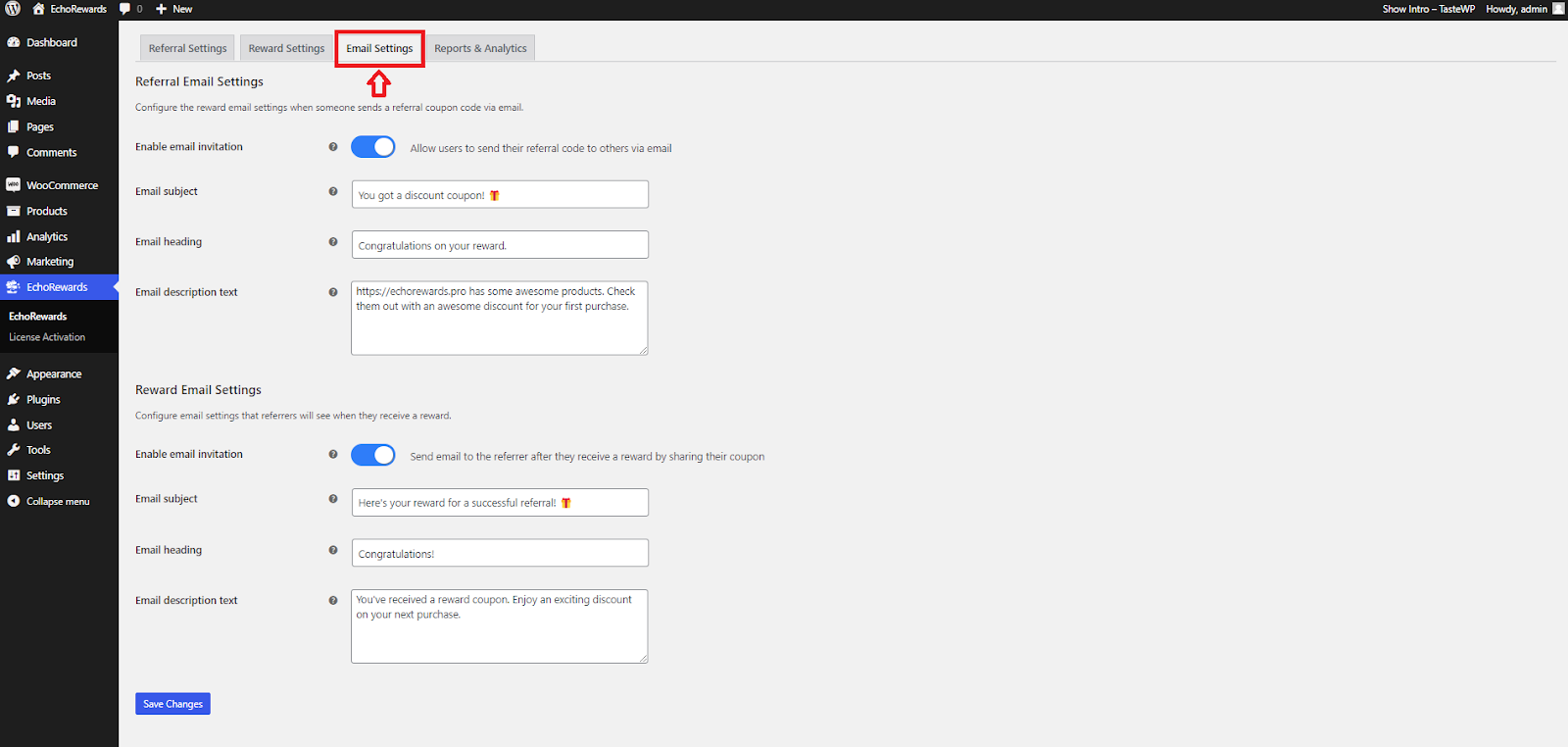
Customers can use this feature to send referral coupons to their friends via email from their accounts.


